8171 Check Online CNIC Login
The Benazir Income Support Programme (BISP) is Pakistan’s largest social protection initiative, designed to provide financial assistance to low-income families. To improve transparency and reduce fraud, the government has introduced the 8171 web portal, allowing beneficiaries to check their eligibility and payment status online using their CNIC number.
Quick Overview of BISP 8171 Program Details
To understand your payment or registration status, it is important to rely only on official government sources. Below is a simplified overview of key program components:
Benazir Kafaalat Stipend
Quarterly financial assistance is provided to eligible female heads of households to support basic family needs.
Registration System (NSER Survey)
The National Socio-Economic Registry (NSER) collects household data through field surveys conducted at BISP offices.
Official Verification Channels
Beneficiaries can check their status through:
- SMS service on 8171
- Official online portal: https://8171.bisp.gov.pk/
How to Verify Your BISP Payment Status Online
Checking your payment status through the official portal is simple and can be done from home.
Step 1: Visit the Official Portal
Open your browser and go to: https://8171.bisp.gov.pk/
Step 2: Enter Your CNIC Number
Type your 13-digit CNIC number without spaces or dashes in the provided field.
Step 3: Complete the CAPTCHA Verification
Enter the security code shown on the screen to confirm you are a real user.
Step 4: Submit Your Request
Click on the “Maloom Karen” button to view your eligibility and payment details.
Alternative SMS Method
If you do not have internet access, send your CNIC number via SMS to 8171 from your registered SIM card to receive an update.
Understanding Portal Status Responses
Eligible
You are approved for the BISP installment. Payments can be collected from:
- HBL ATMs
- Bank Alfalah ATMs
- Authorized payment centers
Under Verification
Your data is currently being reviewed, including your poverty score (PMT).
Survey Required
Your information is incomplete or outdated, and you must complete the NSER survey at a BISP office.
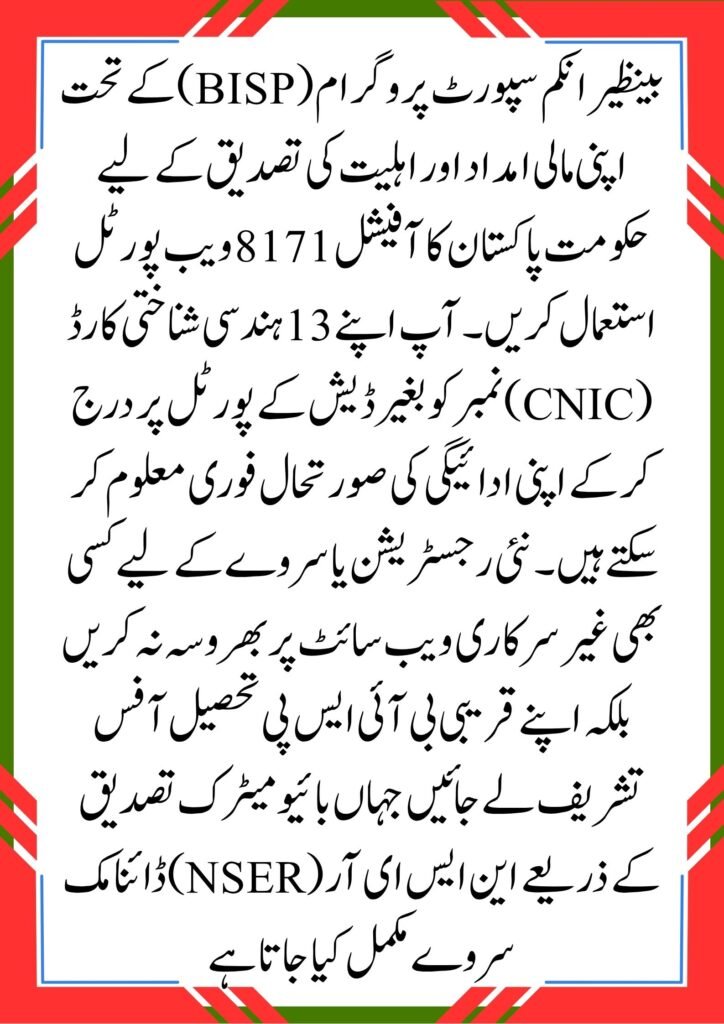
Official BISP Registration Process
There is no online registration form for BISP.
Required Registration Steps
To register, visit your nearest BISP Tehsil Office with:
- Original CNIC
- Children’s B-Form (issued by NADRA)
- Active mobile number registered in your name
Biometric Verification
Your data will be verified through biometric systems and entered into the NSER database for eligibility assessment.
Frequently Asked Questions (FAQs)
1. Why does my status show “No Record Found”?
This usually means:
- Your NSER survey is not completed, or
- Your CNIC details are not updated in the NADRA system
Visit a BISP office to update your record.
2. Is there any fee for checking BISP status online?
No. The 8171 portal is completely free. However, mobile network charges may apply for SMS services.
3. How often are BISP payments issued?
Payments under the Benazir Kafaalat program are distributed every three months (quarterly).
Conclusion
The 8171 CNIC verification system has made it easier for beneficiaries to check their BISP payment status securely from home. By using the official portal or SMS service, users can avoid fraud and stay updated about their financial assistance.